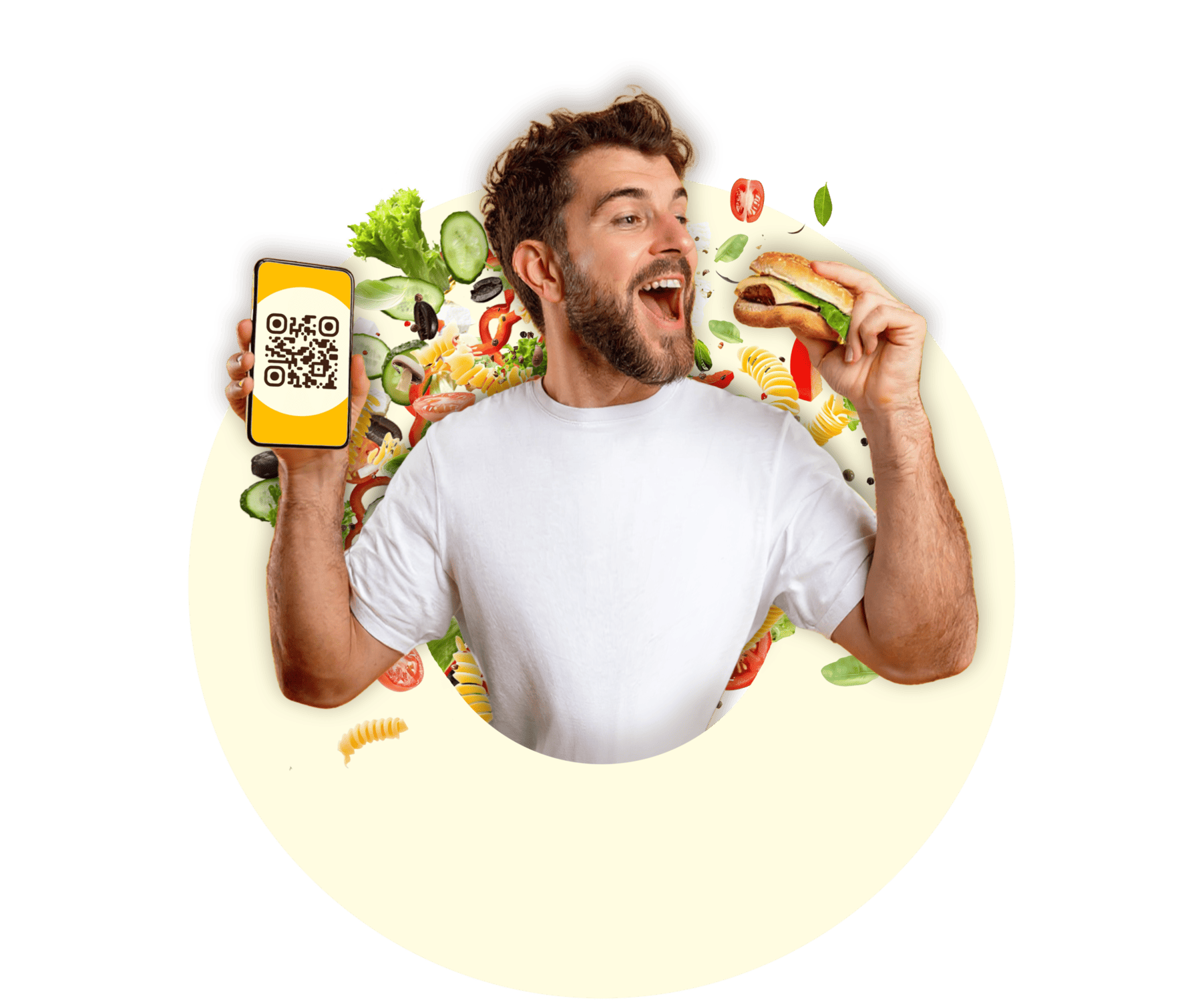
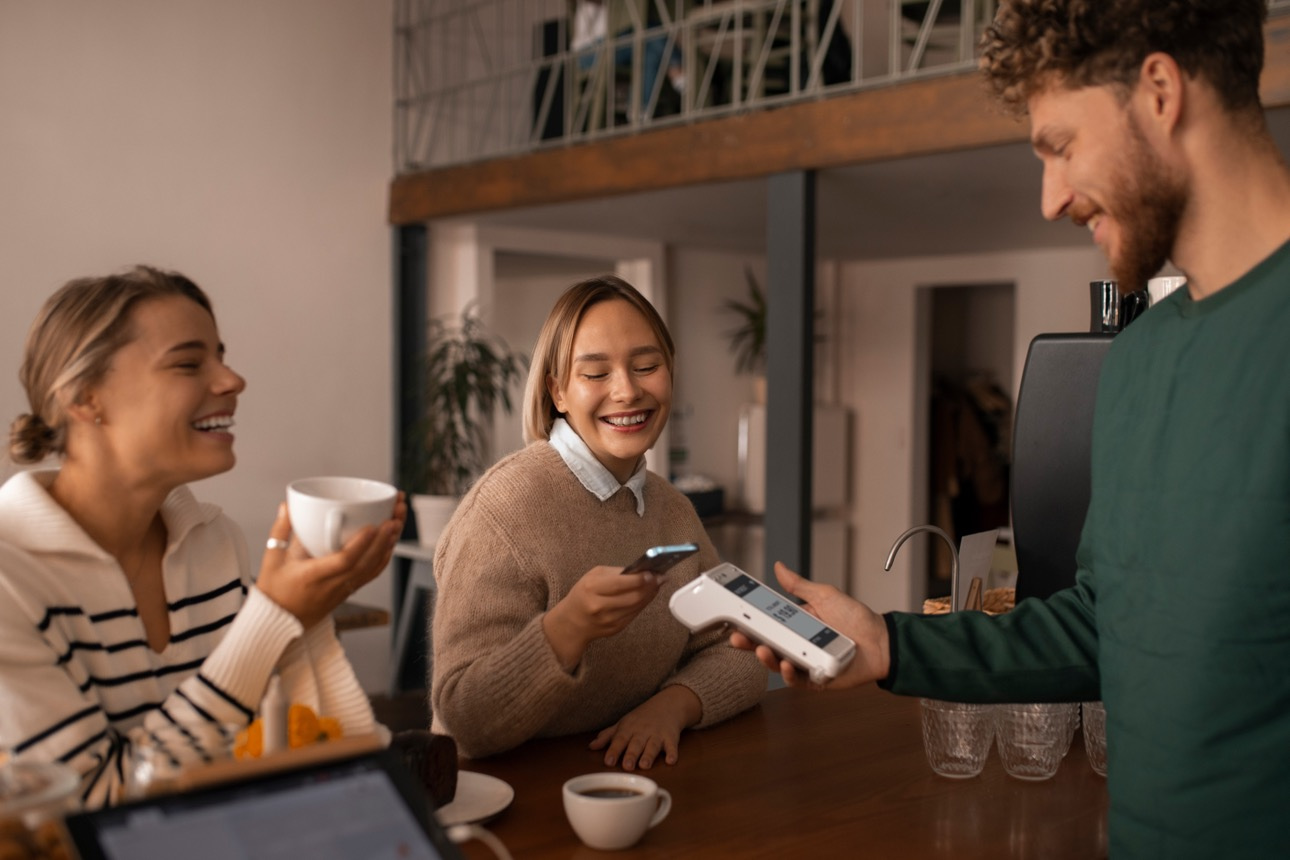
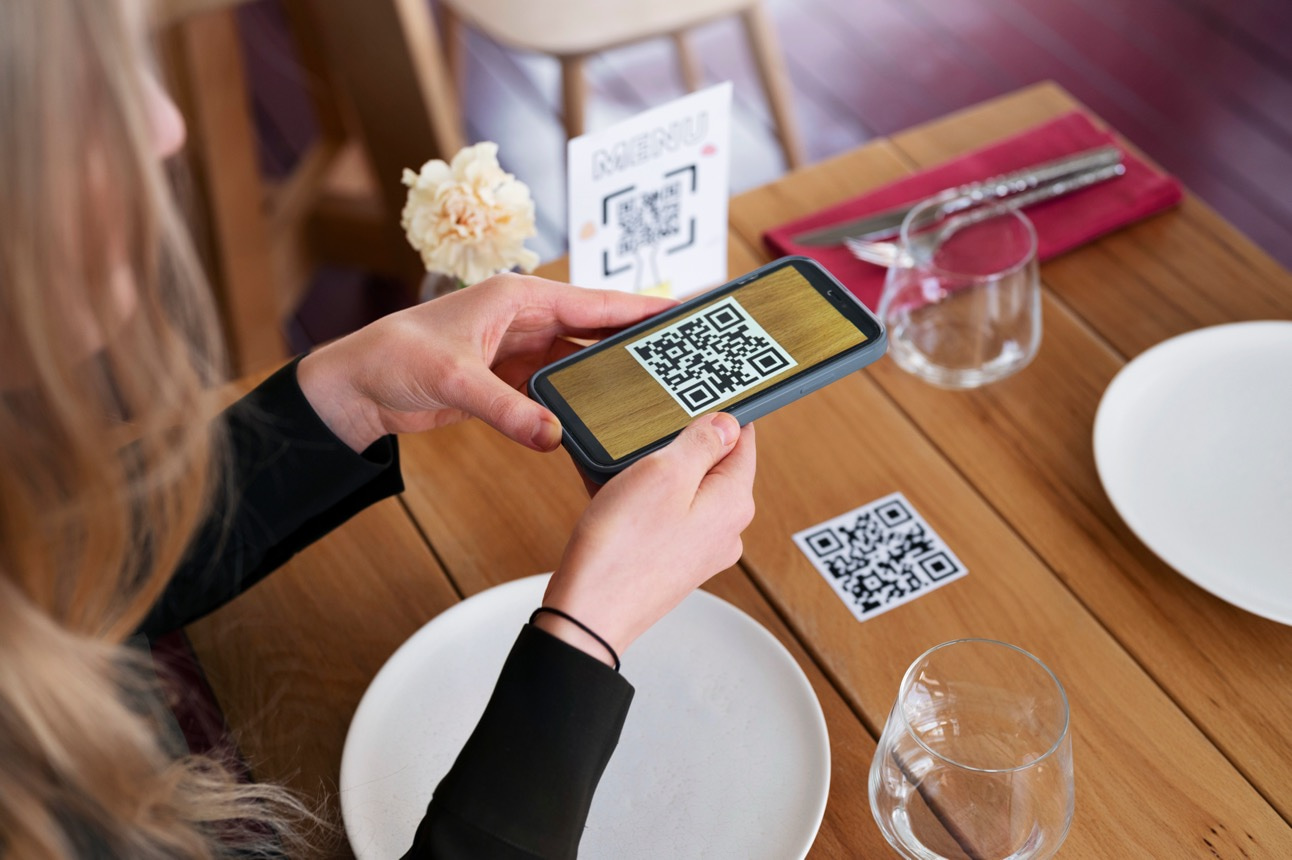
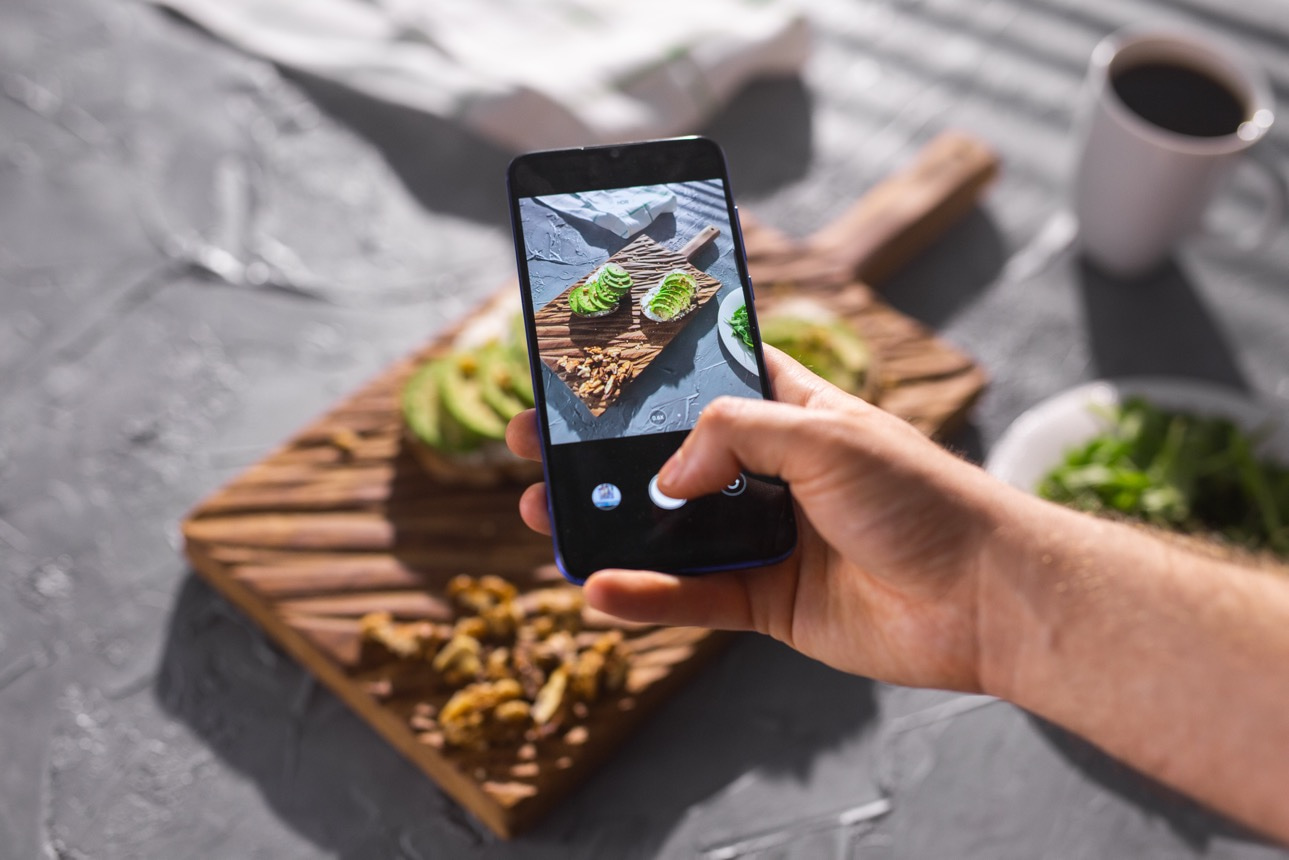
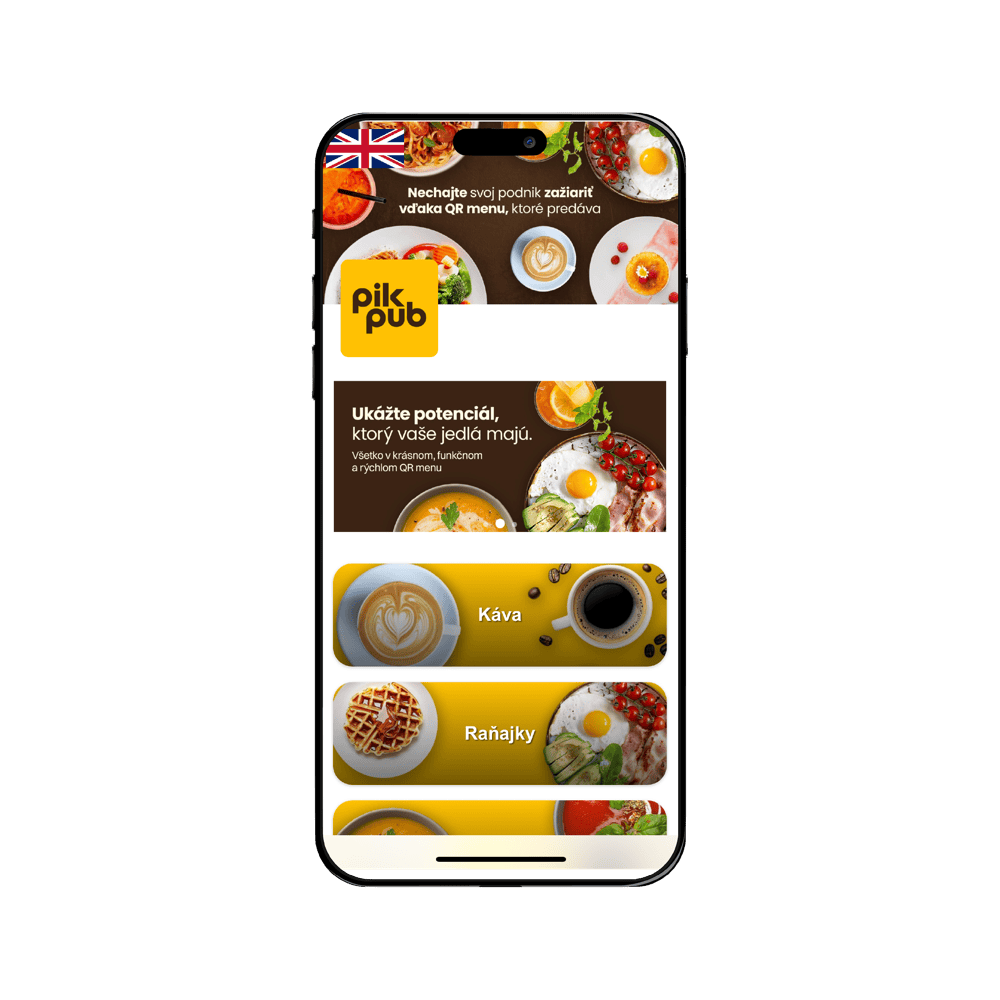
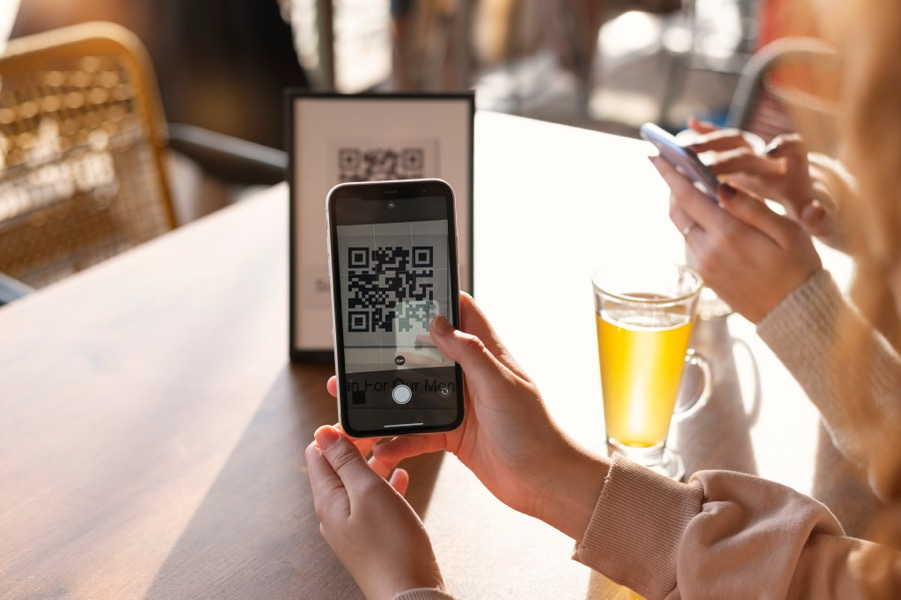
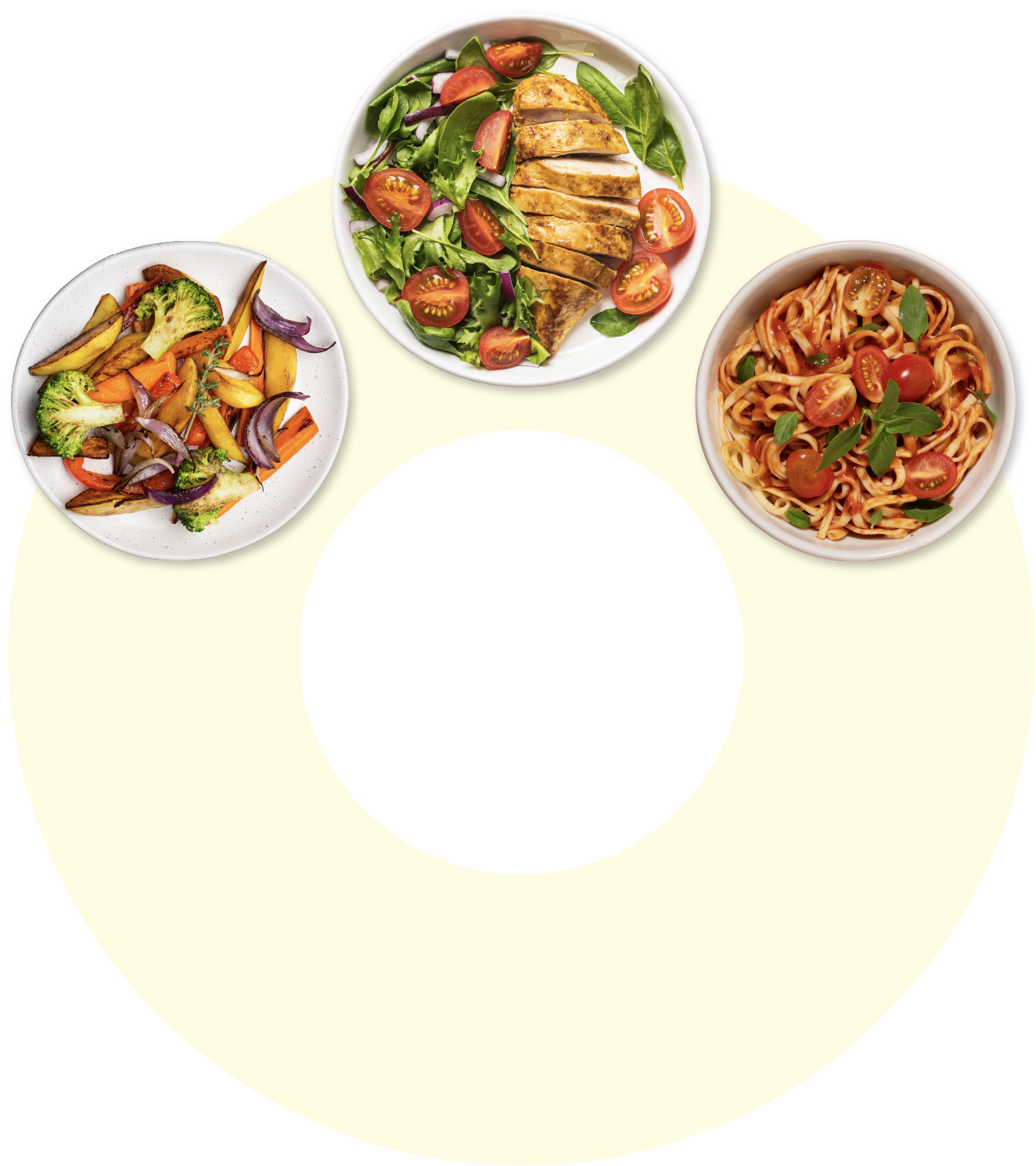
A menu with photos you'll be proud of - in your guests' language. On social media, on the QR code at the table or on your website. No ordering or payments via QR - the personal contact with guests stays with you.
Dozens of venues already trust pikMenu.
Click any logo and see their menu the way a guest sees it.
In the video you see the menu through your guest's eyes and how you update it yourself from your phone. A price change or a new item is done in seconds.
Do people keep messaging you to ask what you serve? Let them see it for themselves - at the table, on Instagram and on Google.
A QR code does not have to be a cheap sticker worn down by cleaning. See how modern venues do it
Photo: NICO bistro & café
Your menu gets its own address. Not a picture in someone else's app, but a web page anyone can open. It can bring you traffic from search engines, and AI assistants can read it too. Want it on your own domain, like www.yourcafe.com? Add it to the Menu plan or get it included in Menu + Orders, no web designer needed.
Blind guests can use it too: a screen reader reads out the items and prices.
Live menus: Heaven DONUT, Urban Bistro, Raňajky No 9
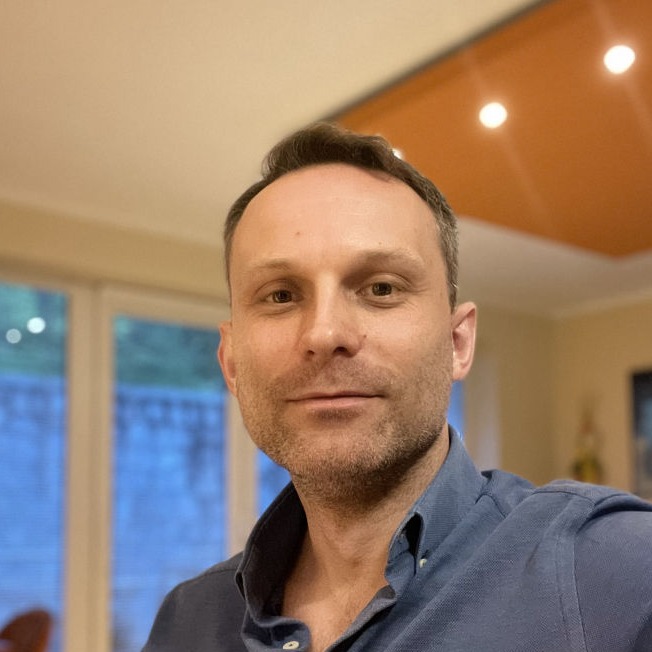
Martin, founder
The first time I saw a QR menu in a venue, I refused to use it - I'm an IT guy who sits at a computer 14 hours a day, and now I'm supposed to scan things. Then I scanned the code anyway - and within ten seconds I knew what I wanted. No flipping back and forth, no "what am I actually getting?". And I didn't have to touch a sticky menu after someone else - I'm like Monk from the TV show.
I tried the product at home and found that for the person who has to upload the menu, it was extremely complicated. That's exactly what I always hated about the IT world - not being able to make things for people. That's how pikMenu was born.
I took it around to restaurants and learned from the owners that a menu doesn't live only on the table - guests look at it on Instagram when deciding whether to come, and on the web. So the QR menu grew into a full digital menu with photos and translations that happen by themselves. Some venues use it as their entire website, and two cafeterias take orders through it. But I don't push ordering on cafés and bistros - there, the order belongs to your people, and the personal contact is priceless.
pikMenu keeps growing - the latest additions are a daily menu and monthly reports that show you how many people opened your menu and what language they speak. And I keep listening to customers so we keep growing. Today pikMenu is used by venues in Slovakia, Czechia, France and Cyprus.
Try pikMenu free for 14 days. No card, no commitment.
Prices are final - no taxes are added at checkout.
Everything in Menu +
Everything in Menu + Orders +
A beautiful multilingual menu every guest understands.
Launch it in minutes - no technical skills, no risk, no commitment.
It fits best in city cafés where people also eat: coffee, breakfast, desserts and dishes worth showing in a photo, with service that makes the experience. For example Heaven DONUT, Raňajky No 9, Urban Bistro or NICO in Prešov. pikMenu is also used by restaurants, pizzerias, traditional inns, pubs and hotels. If you want to know whether pikMenu is right for you, take our quiz.
Yes. You get the QR code in high resolution with your logo and put it on a stand in your venue's colours. See how NICO does it. How and where to place it so it doesn't look cheap and guests don't have to search for it is covered in QR Code Placements: Common Mistakes.
The menu alone is enough, and many cafés use pikMenu just for that. Ordering is optional: if you want guests to order delivery, takeaway or from their table, switch it on with the Menu + Orders plan.
Quite the opposite, pikMenu is made for you. You make changes yourself in a few clicks, on your phone or computer, with nothing to install. Guests see them right away.
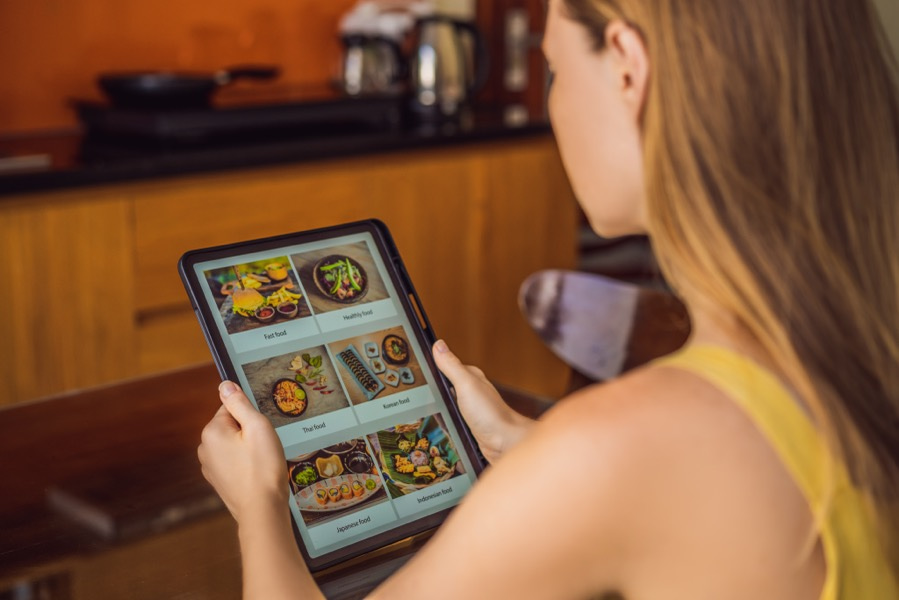
No. Instagram, Facebook, your Google profile and the QR code on the table all get one link to the same menu. Change a price in pikMenu and everyone sees it right away. No need to upload a new photo of the menu.
Quite the opposite. pikMenu is a menu, not a replacement for your staff. Guests see each dish in a photo in their own language, so they don't have to show you a picture from Instagram, and your staff don't have to scroll through Instagram to show them a dish. Ordering, conversation and service stay with your team. That's exactly what our clients love.
Yes. In the appearance settings you customise the menu with your own colours, logo and photos. It looks like part of your venue, not a generic template.
Not required, but it helps a lot. Start without them and add photos gradually, first to the dishes you most want to sell. Guests order more, and faster, when they can see what's coming.
Yes. Guests can filter for allergen-free, vegan, gluten-free dishes and more.
No. You can keep your paper menu. pikMenu prepares it for printing from the same menu you edit, as an add-on to the Menu plan or included in Menu + Orders. Guests who don't want to use a phone get paper. Those who want to see photos or read in their own language scan the QR code.
You save on printing and reprinting the menu with every price or season change. An update costs you no designer, no print shop and no waiting.
No. pikMenu translates your menu automatically into major world languages. Foreign guests read it in their own language and understand every dish. If you want to word a translation differently, you can edit it yourself.
Guests can rate you anonymously right in the menu and write what could be better. The rating isn't public: you see it in your pikMenu and it doesn't go to Google. So you can fix a problem before someone writes a review about it. Happy guests, on the other hand, reach your Google profile in one tap.
Guests reach your Google profile straight from the menu in one tap. No need to ask for a review at the table - just switch the button on.
A few minutes. Upload the menu yourself, or with annual billing send it to us and we'll prepare it for you within 48 hours. You can try it free for 14 days.
Yes, and you don't even need a website. Your menu runs on its own address, like yourcafe.pikmenu.com, which you can put on Instagram, your Google profile and the QR code on the table. Want your own domain, like www.yourcafe.com? Add it to the Menu plan as an add-on, or get it included in Menu + Orders. If you already have a website, just add the menu to it.
Not sure if pikMenu is right for you?
Message me on WhatsApp and I will gladly help.
Message on WhatsApp